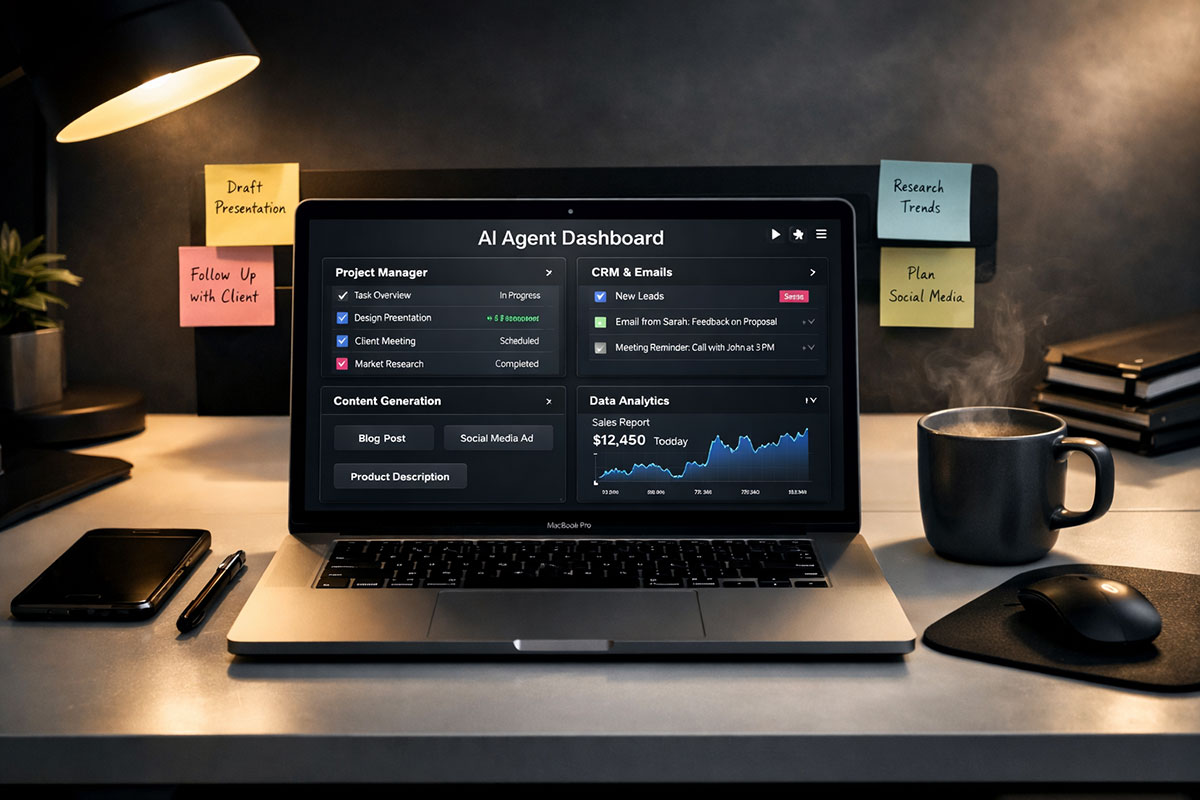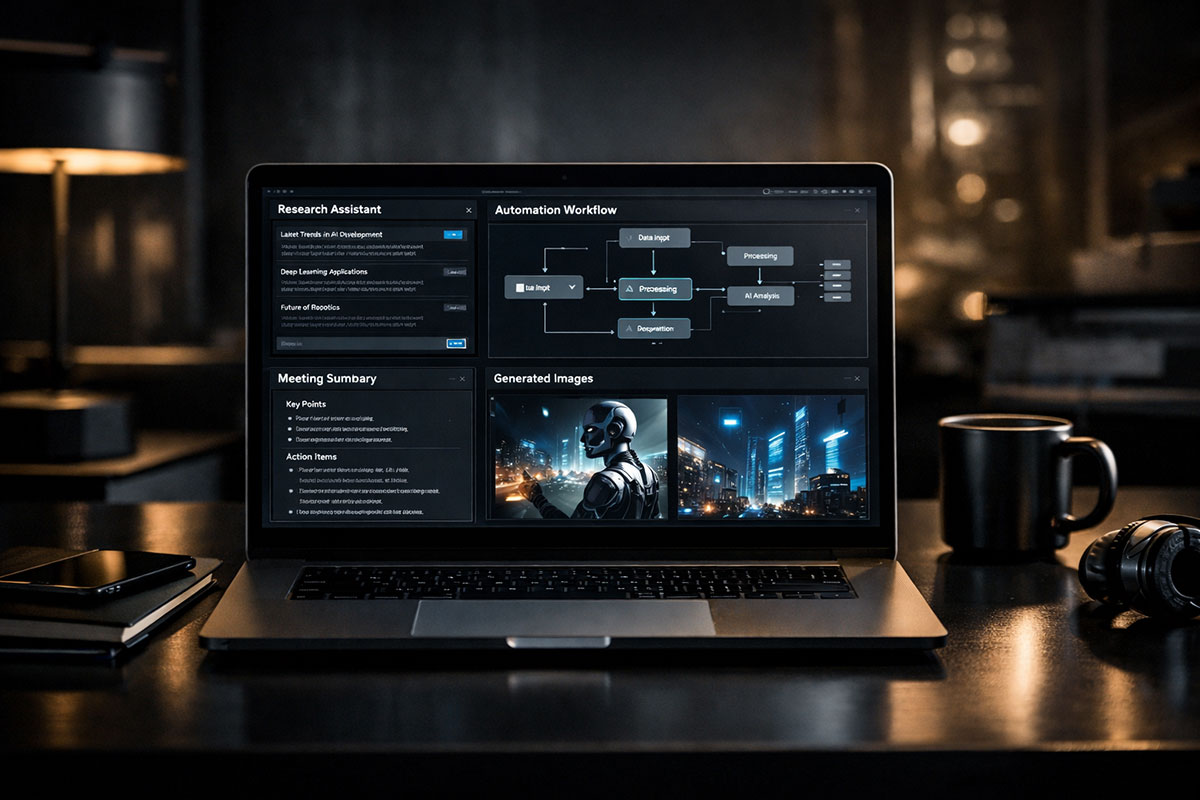
The AI-Accelerated Student: 7-Day Roadmap
This is the final installment in our 7-day series on building a smarter, more future-ready education workflow with AI.
Most students are still using AI the same way they used search engines a few years ago: open a tab, ask a question, get an answer, close the tab. Helpful? Of course. Transformative? Not always.
The real shift happens when AI stops being something you visit and starts becoming something that quietly works on your behalf.
That is the leap this final day is about.
Up to this point in the series, we have focused on prompting better, researching smarter, organizing notes, protecting your voice, and using AI to accelerate your portfolio. But now comes the builder phase. This is where students stop acting like passive users and start acting like system designers.
And no, that does not mean you need to become a software engineer by the weekend.
Today’s opportunity is simpler than many people realize. With no-code tools like Zapier, Make, and n8n, you can connect the apps you already use, add an LLM into the flow, and create lightweight automations that save time, reduce mental load, and catch important details before they slip through the cracks.
Think about your real academic life for a second. Lecture recordings land in folders. Assignment deadlines get mentioned verbally and forgotten. Emails pile up. Notes scatter across tabs and apps. Calendar management becomes reactive instead of intentional. What if a personal AI agent could help clean that up automatically?
“The most useful AI in student life is not always the one that talks the best. It is the one that remembers, organizes, and acts before you have to.”
That is the difference between chatting and automation.
This guide will show you how to think about a personal AI agent, where to begin with no-code automation, how to connect it to your digital study environment, what to automate first, what risks to respect, and how one student could turn a lecture recording into a summary and calendar-ready deadlines without touching the workflow manually.
If Day 1 helped you build your study system, Day 7 helps you make that system move.
Table of Contents
- Why Personal AI Agents Matter More Than Another Chat Window
- How No-Code Automation Actually Works for Students
- Your First Build: A Lecture-to-Summary-to-Calendar Agent
- What to Automate First, What to Avoid, and Where Risks Begin
- How to Grow from Student User to AI Systems Thinker
- Frequently Asked Questions
Why Personal AI Agents Matter More Than Another Chat Window
Let’s start with the mindset shift, because this is where many students get stuck.
When people hear the phrase “AI agent,” they often imagine something dramatic: a robotic assistant, a fully autonomous worker, or a complex program making decisions all day. In reality, your first personal AI agent can be modest. It can be narrow. It can do one useful thing very well. That is enough.
A student does not need an all-powerful digital butler. A student needs relief from repeated friction.
What is repeated friction? It is the tiny admin burden that steals attention from actual learning. Renaming files. Copying deadlines from emails into a calendar. Summarizing long recordings. Pulling action items out of class notes. Moving information from one app to another. Double-checking whether something important was buried in a transcript. None of these tasks are intellectually rich. Yet they consume real energy.
And energy matters more than students admit. Academic performance is not only about intelligence. It is also about consistency, reduced overwhelm, and fewer avoidable mistakes.
That is why automation becomes so powerful. It protects your attention from low-value repetition.
There is also another advantage here: agents change your relationship with time. Instead of always reacting after a problem appears, you start creating systems that anticipate the next step. A lecture gets uploaded, and a summary appears. A deadline is mentioned, and it lands on your calendar. A document is added to a folder, and the key points reach your inbox before you even remember to check.
That is not magic. It is good workflow design.
If you are new to this idea, our guide on building AI workflows to automate your daily routine is useful because it frames automation not as a gimmick, but as a way to reclaim attention from recurring tasks. That same mindset applies beautifully to student life.
There is also a deeper reason this matters. The future workplace is moving toward collaboration with systems, not just software. Students who learn to design useful AI workflows today are quietly building a career advantage. They are learning how to break work into steps, identify triggers, structure information, and make tools interact intelligently.
That is a serious skill.
So if you have spent this week learning how to use AI better, Day 7 is where you become more than a user. You become an architect of your own digital support system.
“A strong student workflow is not the one that depends on motivation every day. It is the one that keeps working even when your energy drops.”
How No-Code Automation Actually Works for Students
Now let’s make this practical.
No-code automation tools such as Zapier, Make, and n8n allow you to connect one app to another through triggers and actions. In plain English, something happens in one place, and that automatically causes something else to happen somewhere else.
That is the skeleton of your AI agent.
For example, imagine this chain:
- A lecture recording is uploaded to a Google Drive folder.
- An automation notices the new file.
- The audio is sent for transcription.
- The transcript is passed to an LLM with a prompt asking for five takeaways and any deadlines.
- The summary is emailed to you.
- The deadlines are added to your Google Calendar.
That is not a futuristic demo. That is a simple workflow.
To understand how these builders work, think in four parts:
- Trigger: the event that starts the workflow.
- Input: the data pulled from the source app.
- Reasoning step: where the LLM interprets or restructures the data.
- Action: the useful output delivered to another app.
That reasoning step is what turns a normal automation into something agent-like. Traditional automation is rule-based. AI-enhanced automation can interpret messy language, extract meaning, rewrite content, classify information, or detect action items.
That is why students should care. Your academic life is full of unstructured information. Professors speak casually. Notes are inconsistent. Messages are vague. A standard automation might move a file. An AI-powered automation can understand the file well enough to produce something useful from it.
Here is a quick comparison:
| Approach | What It Does | Best Use Case | Limitation |
|---|---|---|---|
| Manual student workflow | You check files, read notes, copy deadlines, and send reminders yourself | Small workloads or highly sensitive tasks | Easy to forget steps, slow, mentally draining |
| Basic no-code automation | Moves files, creates reminders, sends notifications based on rules | Simple repetitive admin tasks | Cannot interpret nuanced language well |
| AI-powered personal agent | Interprets content, extracts takeaways, identifies deadlines, drafts outputs | Lecture notes, study summaries, academic workflows | Needs human review for accuracy and privacy-sensitive tasks |
If you want a more beginner-friendly breakdown of how these platforms fit together, our step-by-step piece on building an AI agent that works for you 24/7 without coding is a useful companion. It helps demystify the setup process so the concept feels less abstract.
Which platform should you choose?
Zapier is often the easiest starting point for beginners. Make gives you more visual control and often feels more flexible once you understand the logic. n8n is especially appealing if you want more control, self-hosting options, or a builder mindset that grows with you.
But the bigger point is this: choose the tool you will actually use. Perfection is not the goal of your first build. Friction reduction is.
Your First Build: A Lecture-to-Summary-to-Calendar Agent
Let’s walk through the real-life scenario because this is where the idea becomes tangible.
Imagine a student named Aisha. She is balancing a full course load, a part-time internship, and a tendency to miss small verbal details mentioned at the end of lectures. Not because she is lazy. Because life is crowded, and professors often mention deadlines casually, quickly, and without repeating them in written form.
So she builds a simple three-step personal AI agent.
Step 1: Every time a new lecture recording is dropped into a specific Google Drive folder, that becomes the workflow trigger.
Step 2: The workflow sends the audio or video file to a transcription service. Once the transcript is ready, the LLM receives a structured prompt: summarize this lecture into the top five takeaways, extract any mentioned deadlines, note any action items, and flag anything the professor emphasized more than once.
Step 3: The automation emails the summary to Aisha and adds the deadlines directly into her Google Calendar with a clear title, date, and context line.
Notice what is happening here. The agent is not “doing school” for her. It is not replacing comprehension, studying, or judgment. It is acting like a highly attentive operations assistant.
That distinction matters.
The first week she uses it, the benefits are immediate. She no longer needs to rewatch the last ten minutes of every lecture just to confirm a date. She no longer relies on memory when a professor says, “By the way, your reflection paper is due next Thursday.” She opens her inbox and sees the class boiled down into a review-ready format.
Even more important, the system creates consistency. On her most tired days, the workflow still runs. When internship work spills into the evening, her academic admin does not collapse. The lecture lands, the transcript is created, the summary is delivered, and the date appears on the calendar.
Could errors happen? Yes. Maybe the transcription mishears a phrase. Maybe a vague deadline is interpreted too literally. That is why Aisha reviews the email before fully trusting the calendar entry. But even with that review step, she is saving time and reducing the number of things she has to remember manually.
Here is the basic build logic in student-friendly form:
- Choose one source folder in Google Drive for lecture recordings.
- Set the trigger to run when a new file appears.
- Connect a transcription tool or service.
- Send the transcript to an LLM with a very specific prompt.
- Tell the model exactly what format you want back: five bullet takeaways, deadlines, action items, repeated themes.
- Route the formatted output to email.
- Parse any deadline fields into calendar events.
- Review results for the first few weeks and refine the prompt.
That last point is where many beginners improve fastest. Your first automation does not need to be perfect. It needs to be testable. If the AI keeps missing deadlines, change the prompt. If the summaries are too long, reduce the format. If calendar entries are messy, standardize the date extraction step.
Here is a helpful checklist for your first student agent:
First Personal AI Agent Checklist
- Choose one recurring pain point in your academic life
- Start with one trigger and one useful result
- Use a very specific prompt, not a vague one
- Keep outputs structured and easy to review
- Test with low-risk information first
- Review every result during the early setup phase
- Refine before adding more complexity
That is how real automation starts. Not with grandeur. With one recurring problem solved well enough to matter.
What to Automate First, What to Avoid, and Where Risks Begin
Once students see what is possible, they often want to automate everything. That is understandable. It is also where bad workflow design begins.
Not every task should be handed to an AI agent. Some tasks are ideal for automation because they are repetitive, low-risk, and structurally similar. Others are too sensitive, too ambiguous, or too important to outsource casually.
So what belongs in the “automate first” category?
Lecture transcription. Summary generation. Deadline extraction with review. Weekly study planning drafts. Reminder emails. Organizing notes by course. Converting spoken updates into written bullet points. Turning meeting recordings into action lists. These are strong beginner use cases because they reduce routine burden without replacing your actual thinking.
What should you avoid automating too early?
Anything that involves high-stakes decision-making, private personal data, academic integrity boundaries, or final submissions. Do not build a workflow that automatically writes and submits class work. Do not send sensitive personal messages from AI without checking them. Do not let a model create calendar entries from unclear speech and assume every date is correct. Do not upload confidential student records or private documents into tools you do not understand.
This is where maturity matters more than technical excitement.
Below is the balanced risk section every student needs to read before they start.
The Upside and the Concerns
Pros:
- You reduce mental clutter by automating repeated admin work.
- You are less likely to miss deadlines buried in long recordings or emails.
- You create a more consistent study system, especially during stressful weeks.
- You learn workflow design, which is becoming a valuable career skill.
- You can turn messy academic inputs into structured, review-friendly outputs.
Concerns:
- AI can misread context, especially when speech is vague or noisy.
- Privacy becomes a real issue if you connect personal data carelessly.
- Over-automation can make students less attentive to important details.
- Bad prompts create unreliable outputs, which can look polished but still be wrong.
- Depending too much on automation may weaken habits you still need, like reviewing source material closely.
So how do you use agents responsibly?
Use them as assistants, not as unquestioned authorities. Let them prepare, structure, sort, and surface information. Then keep yourself in the loop when accuracy or ethics matter. The healthiest student workflow is not “AI does everything.” It is “AI handles the repetitive layer so I can focus on the human layer.”
That human layer includes judgment, interpretation, memory, nuance, and integrity. Those still matter. In some ways, they matter even more now.
One practical rule helps here: automate collection and preparation before you automate conclusions. In other words, let AI gather the details and organize them, but keep final decisions in your hands until you trust the system deeply.
That is not fear. That is discipline.
How to Grow from Student User to AI Systems Thinker
The final lesson of this series is bigger than one workflow.
By building a personal AI agent, you are not just saving time on class admin. You are learning a way of thinking that will matter far beyond university. You start seeing the world in triggers, bottlenecks, workflows, and handoffs. You begin asking better questions: what part of this process is repetitive? What information arrives too late? Where do mistakes happen? What should be structured earlier? Where could one intelligent step save ten manual ones?
That is systems thinking.
And systems thinking is one of the most valuable forms of modern literacy.
Students who learn this early develop an unusual advantage. They do not just use software. They shape it around their needs. They do not wait for a perfect all-in-one platform. They connect tools together. They build small solutions. They reduce chaos intentionally.
That approach will not stay confined to education. It moves with you into internships, jobs, freelance work, entrepreneurship, and team environments. The future is not simply about knowing that AI exists. It is about knowing how to work with it intelligently, safely, and creatively.
That is why this final day matters so much. It marks a transition from consumption to construction.
If you want to go deeper into why this matters professionally, read Agentic AI: Your New Virtual Coworker Is Here. The workplace that today’s students are entering will increasingly expect people to collaborate with AI systems as naturally as they once used spreadsheets, search engines, or chat apps.
So where should you go from here?
Start with one automation this week. Not five. One.
Maybe it summarizes lecture recordings. Maybe it turns professor emails into task lists. Maybe it builds a Sunday study plan from the week’s course documents. Keep it narrow enough that you can understand every step. Then observe where it fails, where it helps, and where it surprises you.
That is how fluency grows.
By the end of this 7-day roadmap, the goal was never to make you dependent on AI. The goal was to make you more capable with it. More organized. More critical. More creative. More prepared for a world where intelligent systems are part of the environment, not a side topic.
You do not need to master everything at once. But you do need to begin.
And this builder phase? This is the beginning that changes your relationship with the tools completely.
Frequently Asked Questions
1. What exactly is a personal AI agent for a student?
A personal AI agent for a student is not necessarily a fully autonomous robot or an advanced custom application. In the most practical sense, it is a connected workflow that uses AI to handle repeatable support tasks across the apps you already use. That might mean reading lecture transcripts, extracting deadlines, drafting summaries, sorting notes, creating reminders, or sending structured updates to your email or calendar.
The key difference is that the AI is not waiting passively for you to open a chat box and ask something. Instead, it is embedded into a flow that starts when a trigger happens. A file gets uploaded. An email arrives. A document changes. A meeting ends. Then the workflow runs and produces an output. That output might still need review, but the heavy lifting has already started.
For students, this matters because academic pressure often comes from fragmented information, not just difficult content. A personal AI agent helps reduce that fragmentation. It does not replace studying. It makes studying more manageable.
2. Do I need coding skills to build one?
No, not for your first useful version. That is exactly why no-code tools matter so much right now. Platforms like Zapier, Make, and n8n let you connect services visually rather than writing software from scratch. You set a trigger, choose actions, pass information between steps, and define the format of the output.
That said, you do need logic. You need to think clearly about what should trigger the workflow, what data it should use, what the AI should do with that data, and what action should happen next. In other words, while you do not need programming knowledge to begin, you do need process awareness.
That is actually good news for students. It means this is an accessible entry point into workflow design, automation thinking, and AI orchestration without waiting until you can code professionally. Later, if you want more control, technical skills will help. But you can absolutely start now without them.
3. Which no-code tool is best for beginners: Zapier, Make, or n8n?
There is no single perfect answer because the best tool depends on your comfort level, budget, and how much control you want. Zapier is often the easiest for first-time users because its flows tend to feel straightforward and app integrations are widely available. If you want the least intimidating start, it is often the friendliest path.
Make is excellent when you want to visualize workflows in a more flexible way. Many users like how clearly it shows branching logic and data movement. It can feel more powerful once you move beyond the very simplest automations.
n8n is especially attractive for people who want deeper control, technical flexibility, or self-hosting possibilities. It may feel less beginner-soft, but it grows well with more ambitious builders.
The practical advice is simple: choose the one that feels easiest to keep using for your next three experiments. The best first platform is the one that gets you from idea to working workflow without making you quit halfway.
4. Is it safe to connect AI tools to my email, files, and calendar?
It can be safe enough for many student workflows, but only if you are selective, cautious, and aware of what data you are exposing. Not every document belongs in an automation. Not every calendar event should be created without review. Not every AI-connected service deserves broad permission access to your digital life.
Start by limiting scope. Use one folder, not your entire drive. Use a secondary workflow inbox if needed. Avoid uploading highly sensitive personal or institutional material into tools you have not evaluated. Read permissions carefully. Keep human review in the loop for outputs that affect deadlines, submissions, or external communication.
Also remember that convenience can hide carelessness. Just because a tool can access your files does not mean it should access all of them. Responsible automation is built with boundaries. For most students, that means beginning with low-risk academic material and gradually expanding only when trust is earned.
5. Will using a personal AI agent cross academic integrity lines?
It depends entirely on what the agent is doing. If the workflow is transcribing lectures, organizing notes, extracting deadlines, summarizing source material for review, or helping you stay on top of logistics, that is generally closer to productivity support than academic misconduct. It functions more like an advanced assistant.
But if the agent starts generating assignment submissions, writing graded responses without disclosure, or completing intellectual work that you are expected to do yourself, then the risk becomes serious. Academic integrity is not just about whether a tool is used. It is about whether the tool is replacing your learning or misrepresenting your authorship.
The safest principle is this: automate support, not substitution. Let AI help you prepare, organize, and manage the environment around your learning. Keep core thinking, analysis, and final academic responsibility with you unless your institution explicitly allows certain uses.
6. What is the best first automation for most students?
The best first automation is usually the one that solves a repeated pain point with minimal risk. For many students, that means some version of lecture-to-summary automation, email-to-task-list automation, or file-to-reminder automation. These are useful because they reduce admin work without making you dependent on AI for your actual understanding.
A strong first build should be narrow, visible, and easy to verify. You want to see the trigger, inspect the output, and learn from the result. That is why a workflow that summarizes one folder’s lecture recordings is often better than an overly ambitious “school assistant” that tries to manage everything at once.
Start where the friction is most consistent. Where do you repeatedly lose time? Where do small things get forgotten? Where do important details arrive in messy form? Build there first. The best beginner automation is not the most impressive one. It is the one you trust enough to keep using next week.
Congratulations on completing the 7-Day Roadmap! You are officially an AI-Accelerated Student. To stay ahead of the curve as these technologies evolve, make sure to bookmark our AI Tools & Apps section and subscribe to our newsletter for the latest breakthroughs.
About the Author
Girish Soni is the founder of TrendFlash and an independent AI strategist covering artificial intelligence policy, industry shifts, and real-world adoption trends. He writes in-depth analysis on how AI is transforming work, education, and digital society. His focus is on helping readers move beyond hype and understand the practical, long-term implications of AI technologies.